


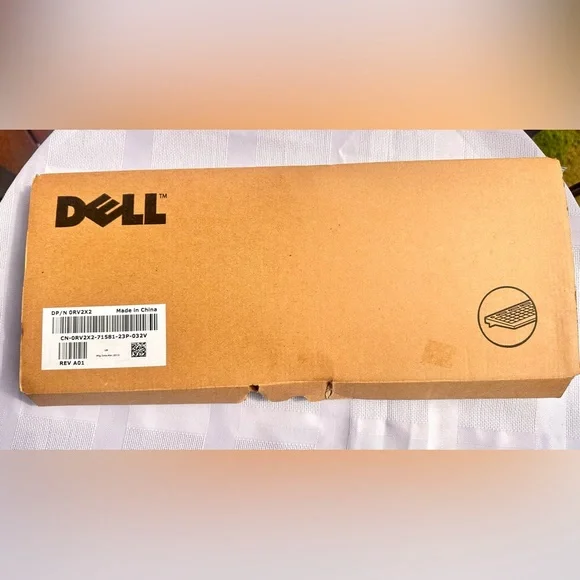


Dell USB Keyboard KB2521 w/Box TESTED Works
Dell
22.00 $
Description


KB2521, which is a wired USB keyboard. How to Connect Because this is a standard wired keyboard, it uses a plug-and-play setup: Locate a USB Port: Find an available USB port on your computer. Plug it in: Insert the keyboard's USB cable into the port. Your computer should automatically recognize the device and install any necessary basic drivers within a few moments. No separate batteries or manual pairing buttons are required for this model. Quiet Keys: Designed for a more discreet and quiet typing experience. Features a full-size 104-key QWERTY layout. Enhanced Function Keys: Includes shortcuts for everyday tasks.
Details
video
Delivery in 24/48 h
SHIPPINGS
Free shipping in Spanish mainland, Balearic Islands and Portugal.
For other countries the shipping cost will be paid by the client.
DELIVERY TIME (as of delivery)
Spanish mainland, Balearic Islands and Portugal: 1-2 working days.
Other countries, we attach a table with those that are open in the online store, indicating transporter and transit days.
Free returns
The return period is 14 calendar days from the receipt of the order.
Carriers for change of size in Spanish mainland, Balearic Islands and Portugal, are in charge of 24HRS.